
Top 5 Medical Practice Management Software.
Compare the best dental practice management software for scheduling, charting, billing, and patient communication, ranked on features, ease, and value.

Reviewed by Dr. Sean Myran, DMDDoctor of Dental Medicine, University of Pennsylvania
How to Choose Practice Management Software
Top Medical Practice Management Software of 2023: A Comprehensive Comparison
Here is a chart comparing some of the important features and statistics of the top medical practice management software:
| Software | All-in-One Solution | Customizable Templates | Speech-to-Text | HIPAA Compliant | ONC Certified | Years in Business |
|---|---|---|---|---|---|---|
| CareCloud Central | Yes | No | No | Yes | Yes | 15 |
| Eclipse Practice Management Software | Yes | No | No | Yes | Yes | 20+ |
| Greenway Health | Yes | Yes | Yes | Yes | Yes | 20+ |
| Meditab | Yes | Yes | No | Yes | Yes | 20+ |
| AdvancedMD | Yes | No | No | Yes | Yes | 20+ |
Running a medical practice can be overwhelming, but the right software can make all the difference. With the right tools, you can streamline administrative and financial processes, improve patient engagement, and increase overall efficiency. In this article, we’ll take a look at the top medical practice management software available in 2023, compare their features, and provide a brief overview of each.
Top 10 Medical Marketing Companies
1. CareCloud Central

Reviews
- Software Advice: 4/5 from 197 reviews
- Get App rating: 3.6/5 from 105 votes
- Capterra: 3.6/5 from 105 reviews
- Indeed: 3.6/5 from 187 reviews
Summary
- Patient scheduling: CareCloud Central has a comprehensive patient scheduling system that allows you to easily schedule appointments, send reminders, and track patient attendance. It also integrates with a variety of other healthcare systems, so you can easily share patient data with other providers.
- Clinical documentation: CareCloud Central has a robust clinical documentation system that makes it easy to create and maintain patient EHRs. The system includes a variety of tools to help you document patient visits, including templates, checklists, and notes. CareCloud Central also offers clinical decision support (CDS) tools to help you make informed clinical decisions.
- Practice management: CareCloud Central offers a variety of practice management features to help you with billing and coding, insurance claims management and patient financial statements. You can also use the system to track your practice’s finances and generate reports.
- Analytics and reporting: CareCloud Central offers a variety of analytics and reporting features to help you track your practice’s performance and identify areas where you can improve. You can use the system to generate reports on patient satisfaction, quality improvement metrics, and financial performance.
- Integrations: CareCloud Central integrates with a variety of other healthcare systems, so you can easily share data with other providers. This can be helpful for coordinating care and ensuring that your patients receive the best possible care.
- Security: CareCloud Central is HIPAA compliant and offers a variety of security features to protect your patient data. This includes features such as data encryption, role-based access control, and audit logging.
- Support: CareCloud Central offers 24/7 customer support to help you with any questions or problems you may have. This can be helpful if you need help using the software or if you have any technical issues.
CareCloud Central is a cloud-based medical practice management software offering an all-in-one solution for all sizes. With its drag-and-drop functionality, CareCloud is easy to use, and it comes with a suite of practice software, including PM, EHR, and billing. CareCloud is also known for its excellent customer support, making it a great option for practices that want to be sure they have the support they need to get the most out of their software.
Top 5 Dental Billing & Insurance Processing Companies
2. Eclipse

Reviews
- Software Advice: 4.5/5 from 269 reviews
- Get App rating: 4.6/5 from 270 votes
- Capterra: 4.6/5 from 270 reviews
- TechRadar: 4/5 Review by Jonas P. DeMuro
Summary
- Patient scheduling and management: Eclipse Health makes it easy to schedule appointments, send reminders, and track patient attendance. You can also use the system to manage patient demographics, insurance information, and medical history.
- Clinical documentation and coding: Eclipse Health makes it easy to create and maintain patient EHRs. The system includes a variety of tools to help you document patient visits, including templates, checklists, and notes. Eclipse Health also offers clinical decision support (CDS) tools to help you make informed clinical decisions.
- Practice management and billing: Eclipse Health offers a variety of features to help you with billing and coding, insurance claims management and patient financial statements. You can also use the system to track your practice’s finances and generate reports.
- Analytics and reporting: Eclipse Health offers a variety of analytics and reporting features to help you track your practice’s performance and identify areas where you can improve. You can use the system to generate reports on patient satisfaction, quality improvement metrics, and financial performance.
- Integrations: Eclipse Health integrates with various other healthcare systems, including EHRs, practice management software, and electronic health records. This can help you streamline your workflow and improve the efficiency of your practice.
- Security: Eclipse Health is HIPAA compliant and offers a variety of security features to protect your patient data. This includes features such as data encryption, role-based access control, and audit logging.
- Support: Eclipse Health offers 24/7 customer support to help you with any questions or problems you may have. This can be helpful if you need help using the software or if you have any technical issues.
Eclipse Practice Management Software is an all-in-one practice management, EHR, and billing solution that has been around for over two decades. It is built to cater to single, multidisciplinary, and multi-site practices, and it is relatively easy to use. Eclipse has a strong support ethic and has been taking on user feedback to improve and expand its platform throughout its many years in business.
5 Best Medical Spa Software for Management, Scheduling, and Charting
3. Greenway Health

Reviews
- Box: 4.8/5 from 168,442 votes
- EMRFinder: 3/5 from 44 votes
- Software Finder: 4/5 from 72 reviews
- EMRSystems: 4/5 from 6 reviews
Summary
- Patient scheduling and management: Greenway Health’s patient scheduling and management features make it easy to schedule appointments, send reminders, and track patient attendance. You can also use the system to manage patient demographics, insurance information, and medical history.
- Clinical documentation and coding: Greenway Health’s clinical documentation and coding features make it easy to create and maintain patient EHRs. The system includes a variety of tools to help you document patient visits, including templates, checklists, and notes. Greenway Health also offers clinical decision support (CDS) tools to help you make informed clinical decisions.
- Practice management and billing: Greenway Health’s practice management and billing features include features to help you with billing and coding, insurance claims management, and patient financial statements. You can also use the system to track your practice’s finances and generate reports.
- Analytics and reporting: Greenway Health’s analytics and reporting features can help you track your practice’s performance and identify areas where you can improve. You can use the system to generate reports on patient satisfaction, quality improvement metrics, and financial performance.
- Integrations: Greenway Health integrates with a variety of other healthcare systems, including EHRs, practice management software, and electronic health records. This can help you streamline your workflow and improve the efficiency of your practice.
- Security: Greenway Health is HIPAA compliant and offers a variety of security features to protect your patient data. This includes features such as data encryption, role-based access control, and audit logging.
- Support: Greenway Health offers 24/7 customer support to help you with any questions or problems you may have. This can be helpful if you need help using the software or if you have any technical issues.
Greenway Health’s Medical Practice Management Software is a comprehensive cloud-based PM platform offering over 4,000 customizable templates to cover clinical practice needs. It covers all aspects of patient engagement, population health, care coordination, revenue cycle management (RCM) with clearinghouse services, and analytics for actionable insights. Greenway’s software is relatively easy to use, offering a speech-to-text feature for dictation and transcription.
4. Meditab

Reviews
- Software Advice: 4.5/5 from 54 reviews
- SelectHub: 4/5 from 50 votes
- Software Finder: 4/5 from 51 reviews
- G2: 3.8/5 from 10 reviews
Summary
- Patient management: This includes features like patient scheduling, appointment reminders, and patient communication.
- Clinical documentation: This includes features like electronic health records (EHRs), clinical decision support (CDS), and prescription management.
- Practice management: This includes features like billing and coding, insurance claims management and patient financial statements.
- Analytics and reporting: This includes features like patient satisfaction surveys, quality improvement metrics, and financial reports.
- Integrations: Meditab integrates with a variety of other healthcare systems, including EHRs, practice management software, and electronic health records.
- Security: Meditab is HIPAA compliant and offers a variety of security features to protect your patient data.
- Support: Meditab offers 24/7 customer support to help you with any questions or problems you may have.
Meditab offers an all-in-one solution that includes practice management (PM) software, EHR (Electronic Health Records), and billing services. It allows for patient tracking, alerts and reminders, insurance eligibility verification, claim submissions, remittance advice, e-faxing, and operational, financial, and analytical reports. It’s built specifically to cater to a wide set of practice models, from hospital management to long-term care and chiropractics to optometry.
5. AdvancedMD

Reviews
- Software Advice: 3.5/5 from 434 reviews
- SelectHub: 4/5 from 452 votes
- Capterra: 3.6/5 from 434 reviews
- G2: 3.6/5 from 58 reviews
Summary
- Patient scheduling: AdvancedMD allows you to easily schedule appointments, send reminders, and track patient attendance.
- Clinical documentation: AdvancedMD provides a variety of tools to help you document patient visits, including templates, checklists, and notes.
- Billing and insurance: AdvancedMD can help you with all aspects of billing and insurance, including claims submission, denial management, and collections.
- EHR: AdvancedMD integrates with a variety of EHRs, so you can easily access your patient’s medical records.
- Practice management: AdvancedMD offers a variety of practice management features, including patient portal, reporting, and analytics.
- Integrations: AdvancedMD integrates with a variety of other healthcare systems, so you can easily share data with other providers.
- Security: AdvancedMD is HIPAA compliant and offers a variety of security features to protect your patient data.
- Support: AdvancedMD offers 24/7 customer support to help you with any questions or problems you may have.
AdvancedMD offers an integrated practice management and medical billing software platform, which can run as a standalone or as part of its wider suite of medical software services. It comprises of three key elements covering front office, billing, and reporting, making it easy to handle a variety of frontend office tasks. For payments it includes all the tools you need for charging payments, as well as easy ways to control and manage all aspects of billing and collections.
No matter which medical practice management software you choose, it’s essential to ensure that it is HIPAA-compliant for secure data transfer and is preferably ONC-certified. Complete for interoperability with Medicare and Medicaid. Choosing software that fits the technology around your practice is important, not vice versa.
Pricing
Bonus list of more medical practice management software
| Feature | AthenaOne | eClinicalWorks | Allscripts Practice Management | Cerner Millennium | DrChrono |
|---|---|---|---|---|---|
| Pricing | Starts at $149/month | Starts at $199/month | Starts at $129/month | Starts at $1,495/month | Starts at $100/month |
| Features | Comprehensive suite of features for medical practices of all sizes, including patient scheduling, clinical documentation, billing, and insurance claims. | Wide range of features for medical practices of all sizes, including patient scheduling, clinical documentation, billing, and insurance claims. | Comprehensive suite of features for medical practices of all sizes, including patient scheduling, clinical documentation, billing, and insurance claims. | Comprehensive suite of features for medical practices of all sizes, including patient scheduling, clinical documentation, billing, and insurance claims. | Comprehensive suite of features for medical practices of all sizes, including patient scheduling, clinical documentation, billing, and insurance claims. |
| Integrations | Integrates with a variety of other healthcare systems, including EHRs, practice management systems, and electronic health records. | Integrates with a variety of other healthcare systems, including EHRs, practice management systems, and electronic health records. | Integrates with a variety of other healthcare systems, including EHRs, practice management systems, and electronic health records. | Integrates with a variety of other healthcare systems, including EHRs, practice management systems, and electronic health records. | Integrates with a variety of other healthcare systems, including EHRs, practice management systems, and electronic health records. |
| Ease of use | Easy to use and navigate. | Easy to use and navigate. | Easy to use and navigate. | Easy to use and navigate. | Easy to use and navigate. |
| Support | 24/7 customer support. | 24/7 customer support. | 24/7 customer support. | 24/7 customer support. | 24/7 customer support. |
| Overall | A good choice for medical practices of all sizes that are looking for a comprehensive and easy-to-use PM software. | A good choice for medical practices of all sizes that are looking for a flexible and customizable PM software. | A good choice for medical practices of all sizes that are looking for a comprehensive and integrated PM software. | A good choice for large medical practices that are looking for a powerful and scalable PM software. | A good choice for small and medium-sized medical practices that are looking for an affordable and user-friendly PM software. |
In conclusion, finding the right medical practice management software can save you time, increase efficiency, and ultimately help you provide better patient care. So take the time to find the software that works best for
Related articles
Keep exploring related topics from Dental Country.
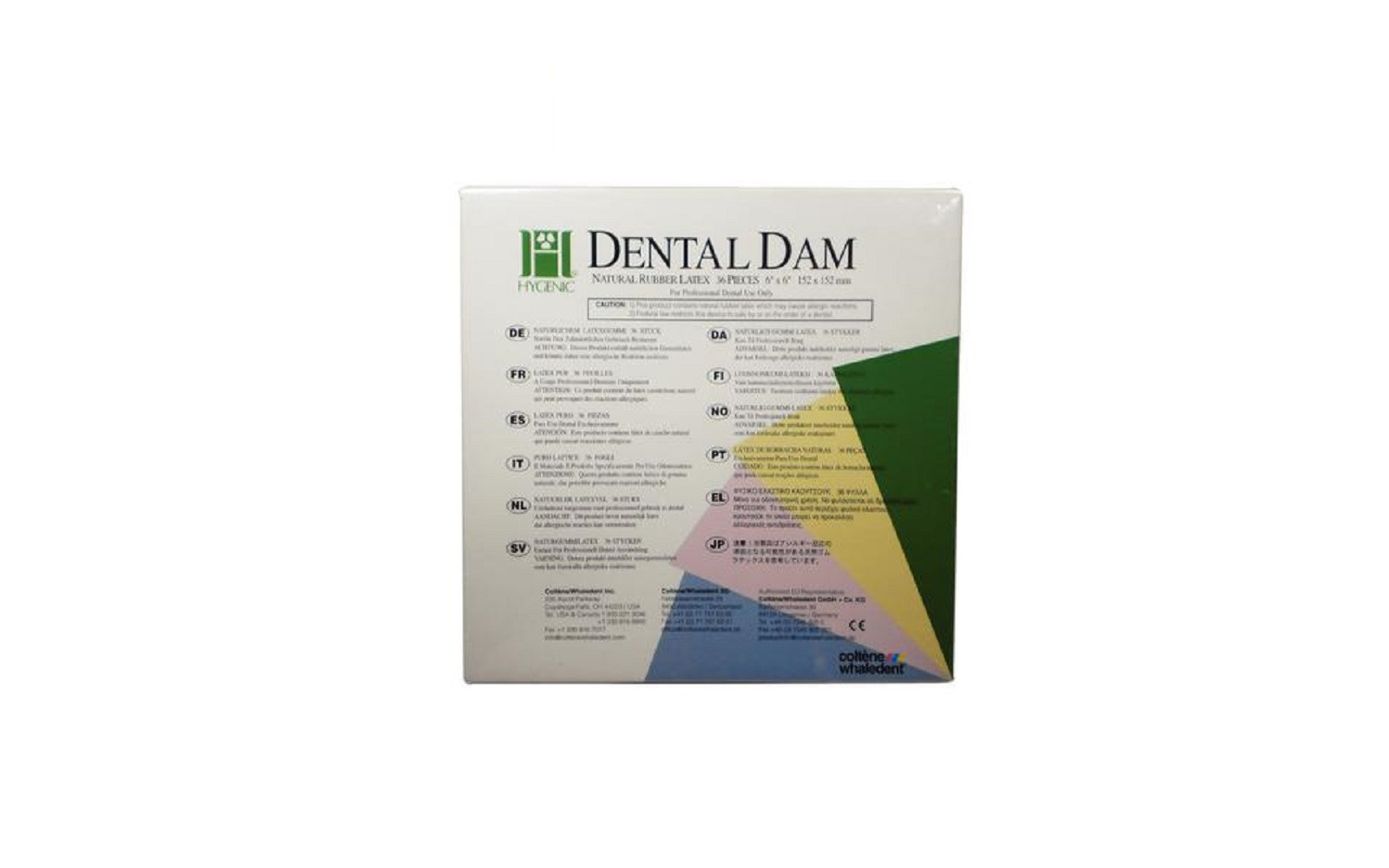
Top 10 Dental Latex Rubber Dam Sheets
Compare latex dental dam sheets by gauge, size, and scent — Coltene Hygenic, Patterson Super Dam, Cranberry, and Medicom.
Read article
Top 10 Hand Waxing Instruments in Dentistry
Compare PK Thomas, LeCron, Roach, Akers, and TiN wax carvers for crown, partial, and denture wax-ups.
Read article
Top 10 Bottle Cleaners for Dentists
Compare the best Bottle Cleaners for Dentists — our researched Top 10 ranking of the leading brands and options to help you choose the right fit for your practice.
Read article
7 Dental Websites to be Inspired by
Compare the best 7 Dental Websites to be Inspired by, ranked on performance, features, and value to help you choose the right fit for your practice.
Read article